
Encrypted connection
Your traffic is encrypted from your device to our server.
Nezha VPN encrypts your connection, hides your address from the sites you visit, and only connects you to servers that are up.
Secure payment · Easy install · Connect in minutes
Why Nezha VPN
Everything below is included. No feature walls between plans.
Your traffic is encrypted from your device to our server.
The app only connects you to servers that are up right now.
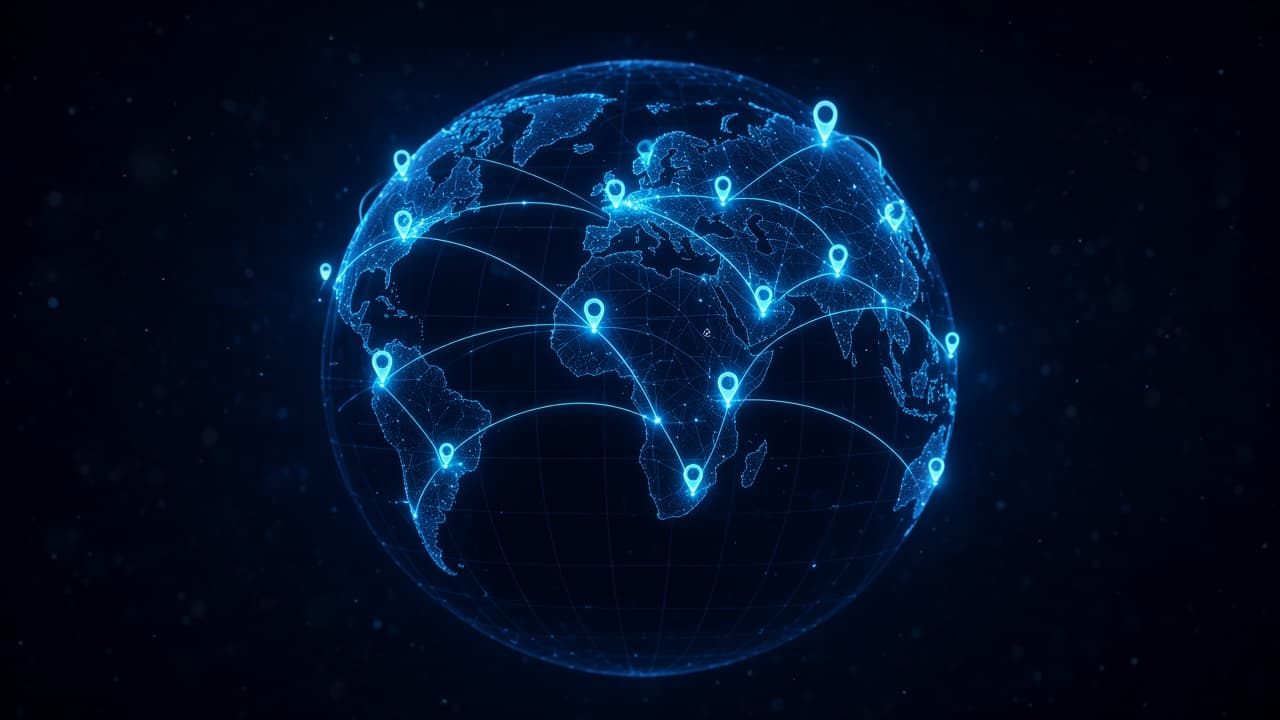
Pick a location and browse as if you were there.
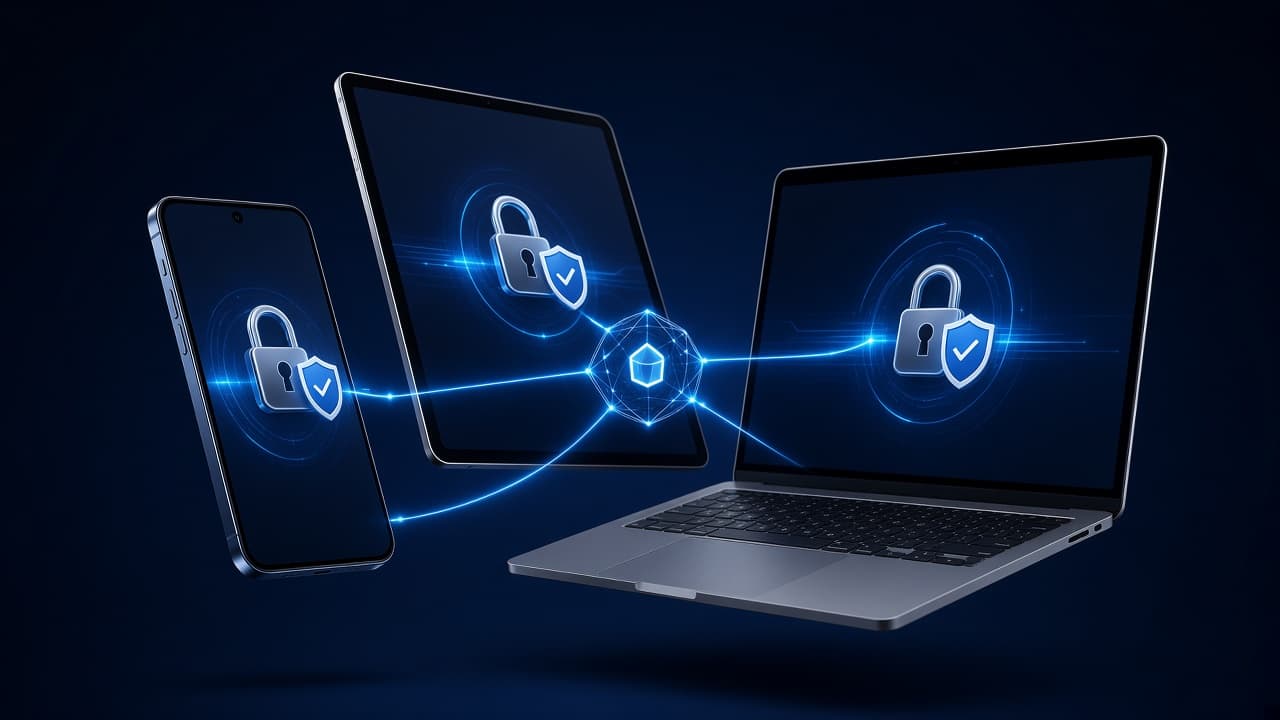
Use one plan on your phone, tablet and more.
Install, log in, tap connect.
Questions about your plan or the app? Write to us.
What you get
Sites and trackers see the VPN location instead of yours.
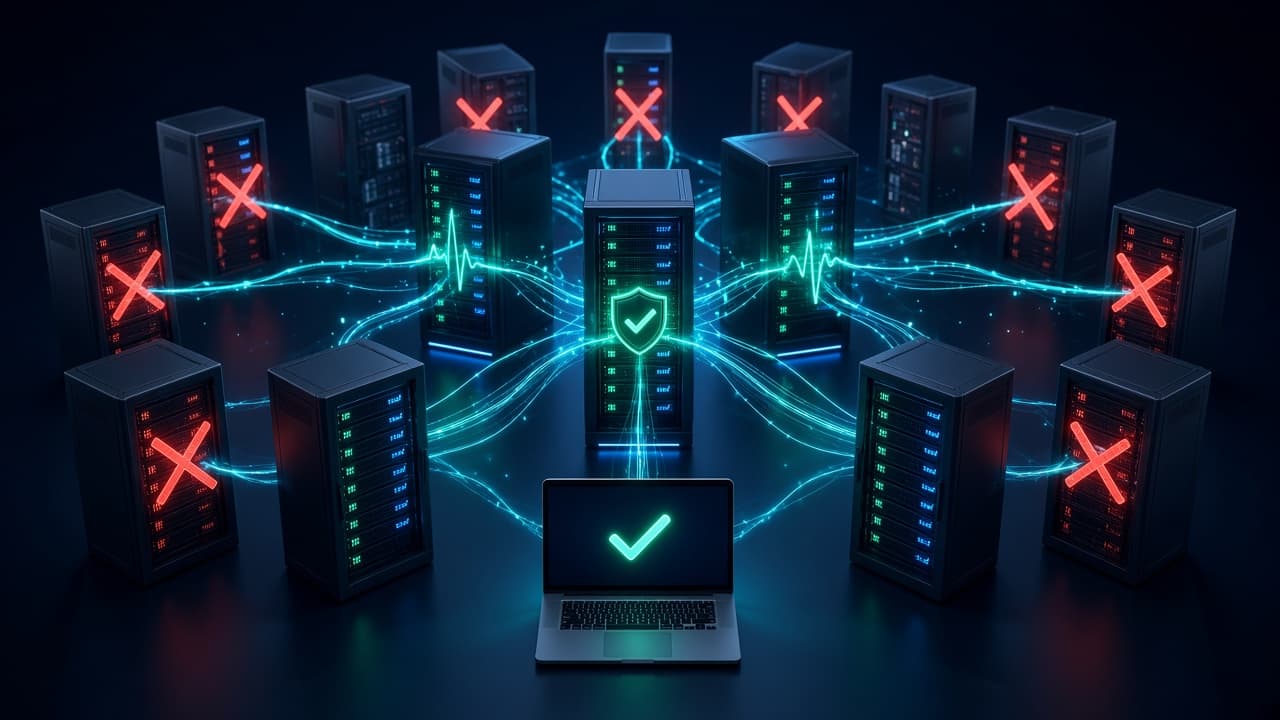
The app only offers servers that passed the latest health check.
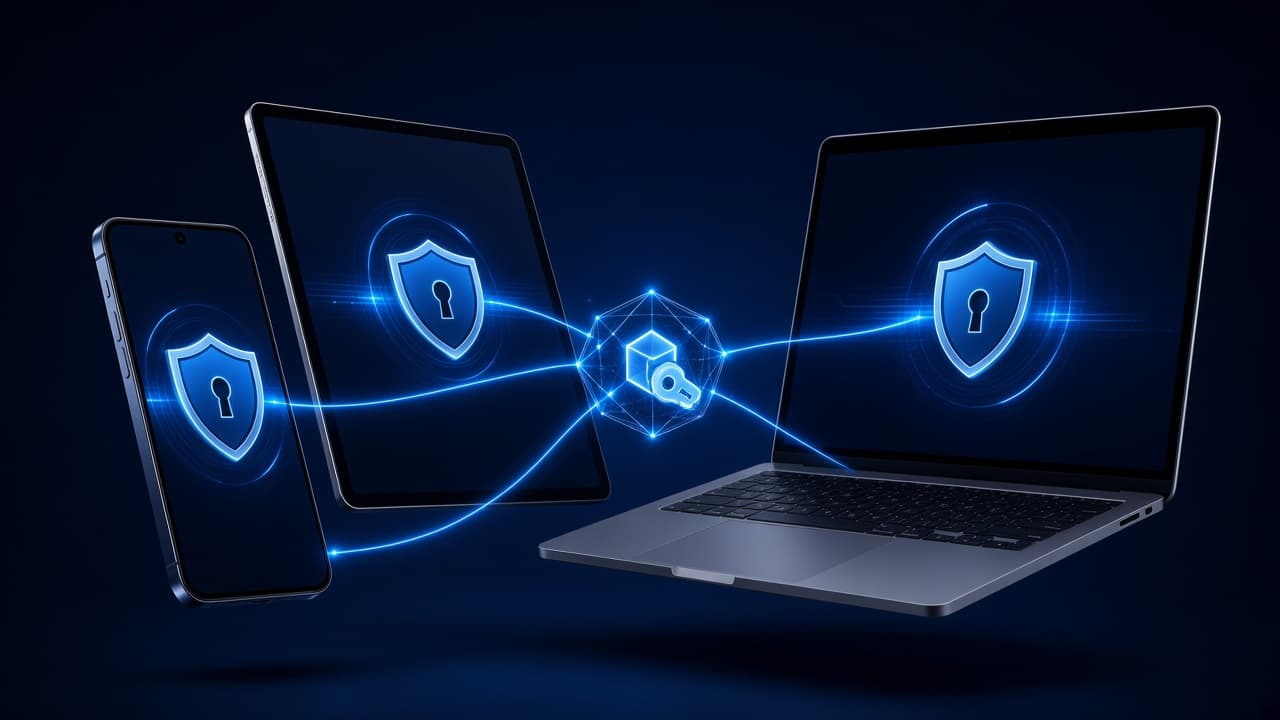
Phone, tablet, and desktop share the same plan and login.
Included in every plan
Downloads
Install, log in, tap connect. Android is ready on Google Play; other platforms are coming soon.


Pricing
Every plan includes every feature. Longer plans cost less per month.
$0.00
No card needed
$4.99/month
$4.99 billed for 1 month
$3.33/month
$19.99 billed for 6 months
$2.92/month
$34.99 billed for 1 year
FAQ
Click Sign up, enter your email and a password, then open the link we email you to confirm your address. After you confirm, you get a free Premium trial. Then you can log in and buy a plan if you want.
Check your spam or promotions folder. The link works for 48 hours. You can get a new one from My Account, or from the link's error page if it expired. If it still doesn't arrive, contact support.
Go to Log in and click Forgot password. Enter your email and we'll send a reset link. The link works for 60 minutes and only once.
Each plan shows its device limit on the Pricing page. You can see your devices and remove old ones in My Account.
By card or with crypto. Card payments are handled by our payment partner, so your card details never reach our servers.